MNL Ninoy Aquino International Airport Arrival Guide: SIM Cards, eSIM & WiFi Options
The first few moments at Ninoy Aquino International Airport are often a mix of excitement and logistics.
Without mobile data, even simple tasks suddenly feel complicated.
Having reliable data from the moment you land makes everything easier — from finding your transfer to confirming your accommodation.

Public WiFi at Ninoy Aquino International Airport
Ninoy Aquino International Airport offers free public WiFi under the network name #MNLFreeWiFi. Connect from the arrivals hall by selecting the network and following the sign-in prompts. Public WiFi is useful for quick tasks but carries security limitations — avoid logging into sensitive accounts on shared networks.
SIM Cards at MNL
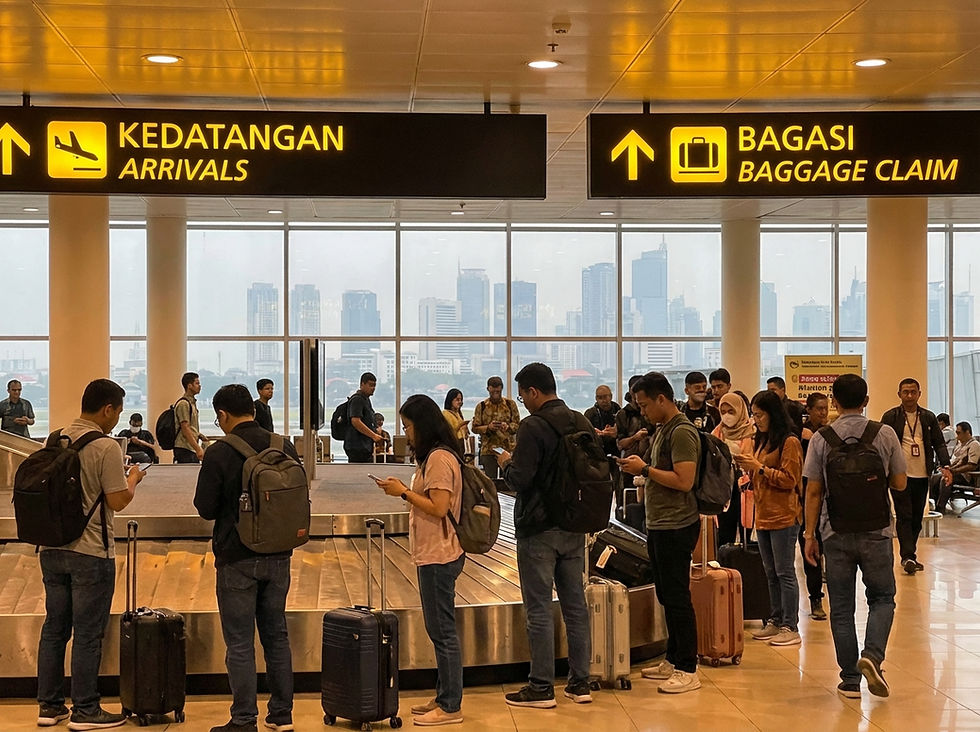
One of the first things you'll notice at Ninoy Aquino International Airport is the SIM card kiosks near baggage claim.
Providers operating at Ninoy Aquino International Airport include Globe Telecom and Smart Communications. Prepaid tourist plans typically range from around PHP 500 to PHP 1,000 (approx. AUD $13 - $26).
Most plans marketed as unlimited include fair usage policies — this often means you get a set amount of high-speed data per day (e.g., 2GB), after which your speed is significantly slowed.
Pros of buying at the airport:
Available immediately on arrival
No pre-planning required
Cons of buying at the airport:
Higher price than city options
Queue times during peak arrivals
Passport verification required
Requires removing your existing SIM
If you prefer to buy after settling in, Globe Telecom and Smart Communications operate retail stores across Manila, including in the Cyberzone sections of major shopping centres like SM Malls.
Pocket WiFi Rental at MNL
Pocket WiFi devices are available through providers including Klook and other local rental services. These can be pre-booked online or picked up at the airport.
Key considerations for pocket WiFi:
Supports multiple devices simultaneously
Requires carrying and charging a separate device
Daily rental cost adds up on longer trips
Must be returned or mailed back on departure
Pocket WiFi suits groups or travelers needing to connect laptops and tablets alongside their phones.
Why eSIM Is Increasingly Popular
Installing an eSIM before departure means you can connect within minutes of landing.
An eSIM lets you purchase and install a data plan before you leave Australia. When your plane lands and connects to a local Philippines network, your data is already active.
Key advantages:
No SIM swapping required
Installed via QR code in minutes
Works as a second line — your Australian number stays active
Can be installed up to 30 days before departure
No airport queues
E.Tel Travel eSIM for Philippines
E.Tel offers a travel eSIM for Philippines running on the Globe Telecom network.
Activation: QR code scan
Dual SIM: supported on compatible devices
Install up to 30 days before departure, activates automatically on arrival
Get your E.Tel travel eSIM here: https://apply.etel.com.au/travelesim/Philippines
Coverage & Reliability in Manila and Beyond
The primary mobile networks in Philippines are Globe Telecom and Smart Communications.
In Metro Manila, you can expect strong and reliable 4G/LTE and growing 5G coverage from both major providers.
Outside of major cities, coverage can vary depending on the island or region. It's wise to check a provider's coverage map if you plan on traveling to more remote areas. Generally, both networks provide good service across popular tourist destinations.
Cost Comparison
Some unlimited airport plans include daily caps or fair usage restrictions.
Option | Convenience | Cost | Best For |
Airport SIM | Immediate on arrival | Higher | Travelers needing instant setup |
City store SIM | Requires travel into city | Lower | Longer stays |
Pocket WiFi | Pre-booking recommended | Medium daily rate | Groups, multi-device users |
eSIM | Pre-arrival setup | Competitive | Solo travelers, frequent fliers |
Note: Prices vary by provider and plan. Always compare before purchasing.
Eco-Friendly Consideration
Beyond convenience, eSIM also reduces plastic waste from physical SIM cards and packaging.
Choosing a digital eSIM removes the need for plastic card production, packaging, and physical distribution entirely.
Booking Tips Before Arrival
Check your device supports eSIM before purchasing (Settings → Mobile Data → Add eSIM)
Pre-book pocket WiFi during peak travel seasons
Review fair usage policies on any unlimited plan
Install your eSIM before boarding — airport WiFi at your departure terminal works for this if needed
Why Many Travellers Choose E.Tel eSIM for Philippines
Activate via QR code before you fly
Install up to 30 days before departure
Keep your Australian number active as a second line
Connects to the reliable Globe Telecom network
Transparent pricing with no per-minute surprises
Final Thoughts
Whether you choose SIM, pocket WiFi, or eSIM, preparing ahead saves time at the airport.
Whatever option suits your travel style, sorting your connectivity before you arrive at Ninoy Aquino International Airport saves time, reduces stress, and means your trip starts the moment the wheels touch down.
Frequently Asked Questions
Can I buy a SIM card at Ninoy Aquino International Airport?
Yes. Globe Telecom and Smart Communications operate counters at MNL. Passport verification is required.
What providers operate at MNL?
The main providers are Globe Telecom and Smart Communications.
Is public WiFi available at Ninoy Aquino International Airport?
Yes, free public WiFi is available. Look for the network name #MNLFreeWiFi.
What is the difference between a SIM card and an eSIM?
A physical SIM card is inserted into your phone's SIM tray. An eSIM is a digital profile installed via QR code — no physical card required.
Will my phone support eSIM?
Most smartphones released after 2018 support eSIM. Check Settings → Mobile Data for an Add eSIM option.
Which network has the best coverage in Manila?
Both Globe Telecom and Smart Communications offer extensive and reliable coverage in Manila.
Are unlimited plans truly unlimited?
Often, no. Most "unlimited" tourist plans have a Fair Usage Policy, which means your speed is significantly reduced after you use a certain amount of high-speed data each day.
Can I connect multiple devices?
A standard SIM or eSIM connects one phone. Pocket WiFi via Klook or other rental services supports multiple devices simultaneously.